Pages

Showing posts with label api. Show all posts

Thursday, July 7, 2016

Download Raging Dragons APK Mods No Paid

Download Raging Dragons APK Mods - What you dragon lovers in the RPG game, your dreams will come true, all that is cool about the dragons in this game just download !
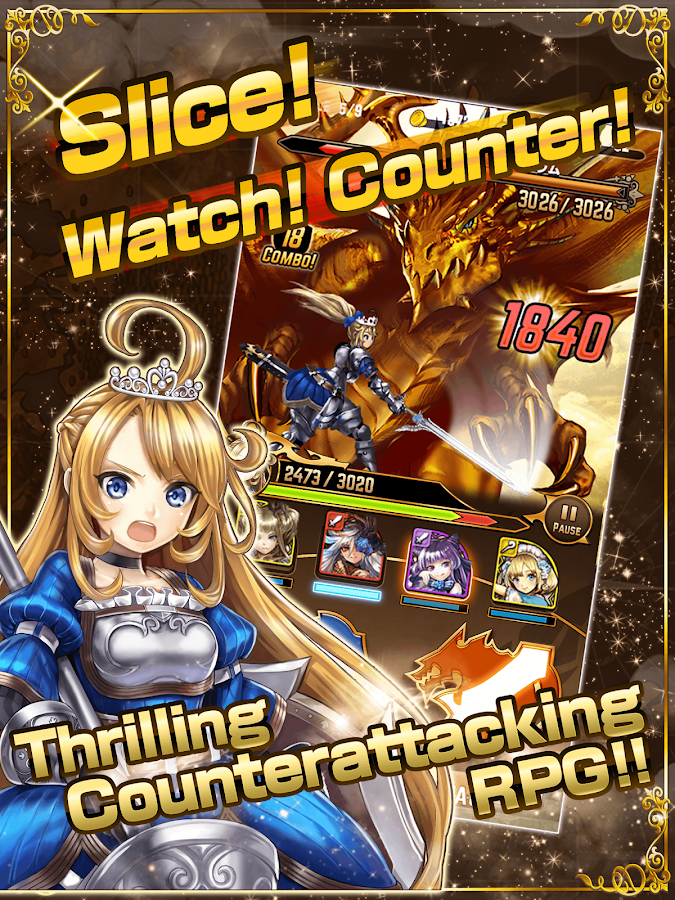
Raging Dragons - screenshot
Combat against monsters is ultra simple!
Youll use only two buttons: Attack and Defense with rhythm and timing to crush your foes!
Defending just as an enemy hits you will result in a Parry, leaving them open to a massive counterattack!
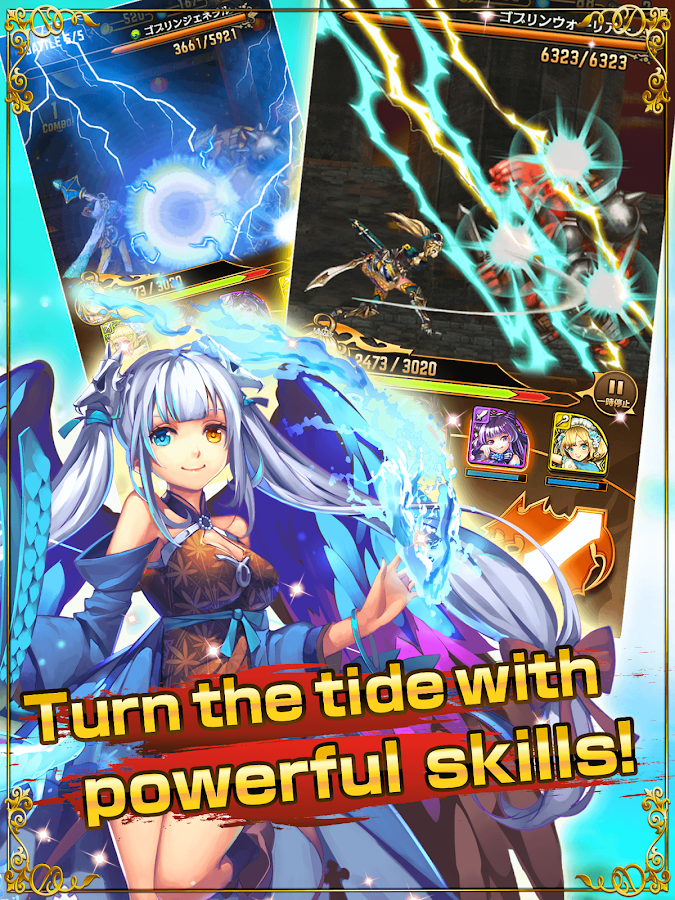
Raging Dragons - screenshot
Use bows against flying enemies, choosing your arsenal to suit the battle!
Youll face countless deadly creatures and tremendous boss monsters, but with powerful Skills at your command, victory will be yours!
~~~~~~~~~~~~~~~~~~~~~~~~~~~~~
A heroic Knight-Princess against a horde of monsters!
Mina, Knight-Princess of Erinia faces off against the Chaos Witch Vilt in a battle to save the land!
Take control of Mina as she risks her life in a quest to restore peace and balance.
Read More..

Thursday, April 3, 2014

Google Maps Android API v2 example detect long click on map and add marker

TO detect onMapLongClick, implement OnMapLongClickListener and call myMap.setOnMapLongClickListener(this) to register. Override onMapLongClick(LatLng point) to add marker by calling myMap.addMarker(new MarkerOptions().position(point).title("title")).

Detect long click on map and add marker


package com.example.androidmapsv2;

import com.google.android.gms.common.ConnectionResult;
import com.google.android.gms.common.GooglePlayServicesUtil;
import com.google.android.gms.maps.CameraUpdateFactory;
import com.google.android.gms.maps.GoogleMap;
import com.google.android.gms.maps.GoogleMap.OnMapLongClickListener;
import com.google.android.gms.maps.MapFragment;
//import com.google.android.gms.maps.SupportMapFragment;
import com.google.android.gms.maps.GoogleMap.OnMapClickListener;
import com.google.android.gms.maps.model.LatLng;
import com.google.android.gms.maps.model.MarkerOptions;

import android.app.Activity;
import android.app.AlertDialog;
import android.app.FragmentManager;
import android.location.Location;
import android.os.Bundle;
//import android.support.v4.app.FragmentActivity;
//import android.support.v4.app.FragmentManager;
import android.view.Menu;
import android.view.MenuItem;
import android.widget.TextView;
import android.widget.Toast;

public class MainActivity extends Activity
implements OnMapClickListener, OnMapLongClickListener{

final int RQS_GooglePlayServices = 1;
private GoogleMap myMap;

Location myLocation;
TextView tvLocInfo;

@Override
protected void onCreate(Bundle savedInstanceState) {
super.onCreate(savedInstanceState);
setContentView(R.layout.activity_main);

tvLocInfo = (TextView)findViewById(R.id.locinfo);

FragmentManager myFragmentManager = getFragmentManager();
MapFragment myMapFragment
= (MapFragment)myFragmentManager.findFragmentById(R.id.map);
myMap = myMapFragment.getMap();

myMap.setMyLocationEnabled(true);

myMap.setMapType(GoogleMap.MAP_TYPE_HYBRID);
//myMap.setMapType(GoogleMap.MAP_TYPE_NORMAL);
//myMap.setMapType(GoogleMap.MAP_TYPE_SATELLITE);
//myMap.setMapType(GoogleMap.MAP_TYPE_TERRAIN);

myMap.setOnMapClickListener(this);
myMap.setOnMapLongClickListener(this);

}

@Override
public boolean onCreateOptionsMenu(Menu menu) {
// Inflate the menu; this adds items to the action bar if it is present.
getMenuInflater().inflate(R.menu.activity_main, menu);
return true;
}

@Override
public boolean onOptionsItemSelected(MenuItem item) {
switch (item.getItemId()) {
case R.id.menu_legalnotices:
String LicenseInfo = GooglePlayServicesUtil.getOpenSourceSoftwareLicenseInfo(
getApplicationContext());
AlertDialog.Builder LicenseDialog = new AlertDialog.Builder(MainActivity.this);
LicenseDialog.setTitle("Legal Notices");
LicenseDialog.setMessage(LicenseInfo);
LicenseDialog.show();
return true;
}
return super.onOptionsItemSelected(item);
}

@Override
protected void onResume() {
// TODO Auto-generated method stub
super.onResume();

int resultCode = GooglePlayServicesUtil.isGooglePlayServicesAvailable(getApplicationContext());

if (resultCode == ConnectionResult.SUCCESS){
Toast.makeText(getApplicationContext(),
"isGooglePlayServicesAvailable SUCCESS",
Toast.LENGTH_LONG).show();
}else{
GooglePlayServicesUtil.getErrorDialog(resultCode, this, RQS_GooglePlayServices);
}

}

@Override
public void onMapClick(LatLng point) {
tvLocInfo.setText(point.toString());
myMap.animateCamera(CameraUpdateFactory.newLatLng(point));
}

@Override
public void onMapLongClick(LatLng point) {
tvLocInfo.setText("New marker added@" + point.toString());
myMap.addMarker(new MarkerOptions().position(point).title(point.toString()));
}

}


download filesDownload the files.

Next:
- Detect MarkerClick and add Polyline


The series:
A simple example using Google Maps Android API v2, step by step.

Read More..